Who's who in Pair
Everyone who signs in to Pair is a member of your organisation. What each member can open and change is set by their access level.
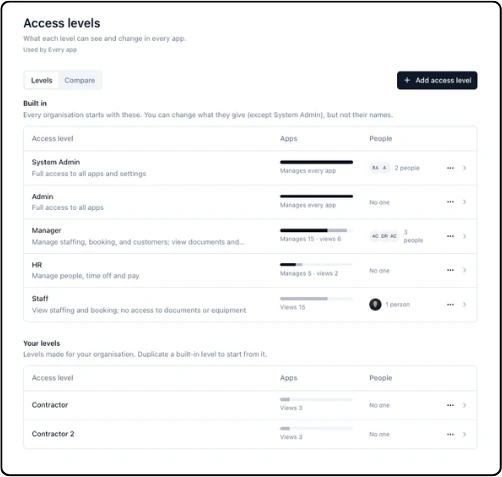
Every organisation starts with five access levels:
System Admin: Full access to all apps and settings
Admin: Full access to all apps
Manager: Manage staffing, booking and customers; view documents and equipment
HR: Manage people, time off and pay
Staff: View staffing and booking; no access to documents or equipment
You can change what each one gives, except System Admin, but not their names. To make your own, duplicate one and change it. See Access levels under Settings.
Some people sign in to one portal only, not to Pair itself. These are portal users: learners at your customers in LMS, and agencies in the Agency Portal. They never see your organisation's data.
Updated 2026-10-24