Getting the app and signing in
Your employer adds you to Pair and sends you an invite by email. Here's how to get going.
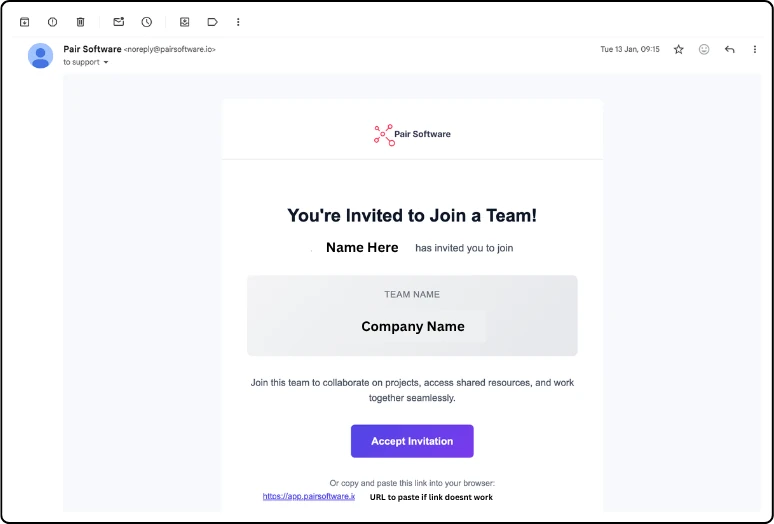
Open the invite email and select the link. It works once, and for 7 days.
Set your password.
Download Pair Staffing from the App Store or Google Play, and sign in.
Good to know:
Always join through the invite email. If you sign up on the Pair website instead, you'll get a separate account that isn't linked to your employer.
You can sign in with Google, as long as it's the same email address your employer invited.
Link expired? Ask your employer to send a new invite.
Updated 2026-10-24